
Rocket Blog
Top Highlights



Category
- 1Password 1
- AI 3
- Advanced 2
- AirPods 1
- App Store 1
- Apple Intelligence 1
- Apple News 5
- Apple Pros 16
- Apple Watch Series 12 1
- Apple Watch Ultra 4 1
- AppleScript 1
- Article 12
- Artificial Intelligence 4
- Business 2
- Calendar 1
- Camera Control 1
- Camera app 1
- Control Center 1
- Explainer 2
- Finder 1
- Hardware 1
- How-To 6
- Image Playground 1
- Internet 1
- Liquid Glass 1
- M5 Max 1
- M5 Pro 1
- M5 Ultra 1
- M6 1
- Mac 7
- Mac Studio 1
- Mac mini 1
- News 4
- Office 1
- PDF 1
- Photos 1
- Reminders 1
- Safari 1
- Security 17
- Shortcuts 1
- Siri 1
- Software 7
- Tip 4
- Tips & Tricks 42
- WWDC 1
- Windows 1
- customization 4
- hardware 2
- iMessage 1
- iOS 1

Eliminate Article Distractions with Safari Reader
Reading articles on the Web has become fraught with distraction. Ads are terrible, of course, but publications also inundate you with navigation links, pop-ups encouraging you to subscribe, popular article lists, and more. Even worse is when an article requires multiple clicks or taps to keep reading. It’s maddening—you just want to read and get […]
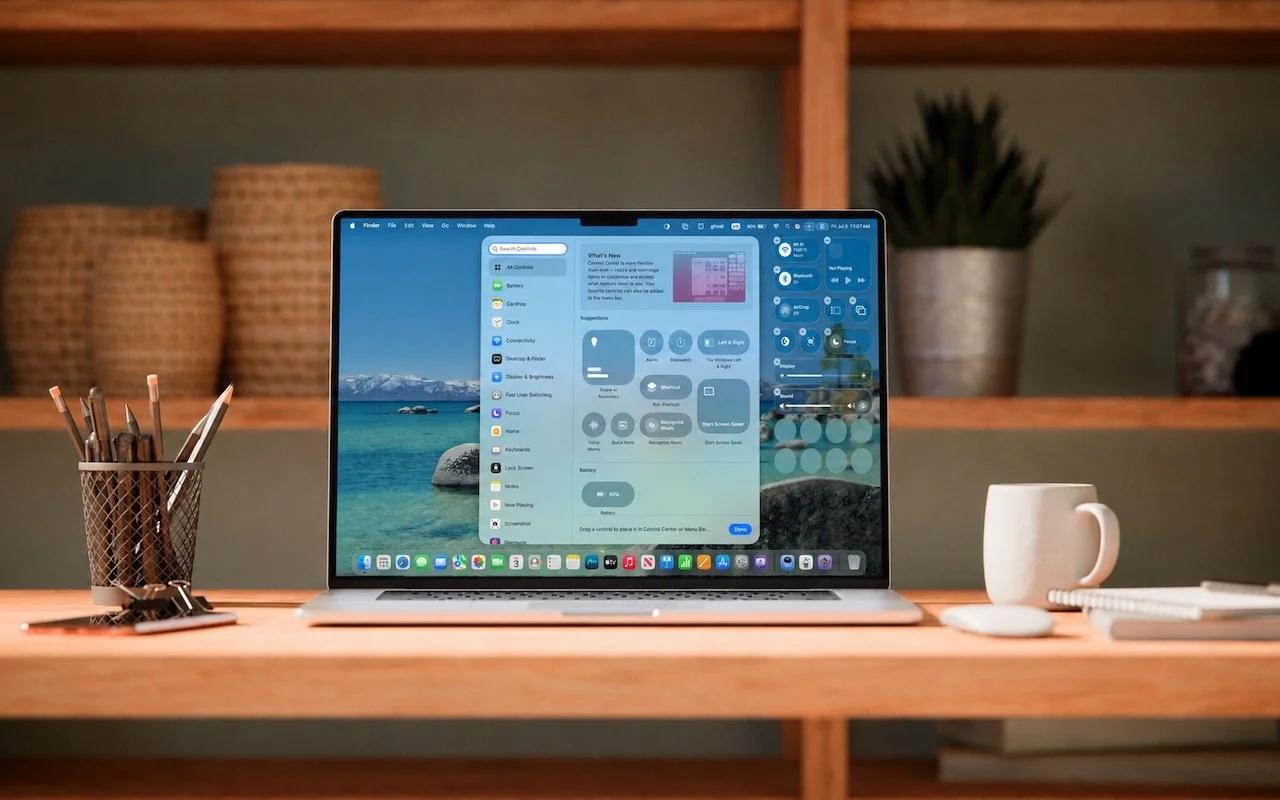
Control Center Is Improved—and Highly Customizable—in macOS 26 Tahoe
Control Center debuted on the iPhone over a decade ago in iOS 7 and made its way to the Mac in 2020 with macOS 11 Big Sur. However, through macOS 15 Sequoia, Mac users who wanted to tweak Control Center for their needs were limited to turning specific controls on or off. With macOS 26 […]
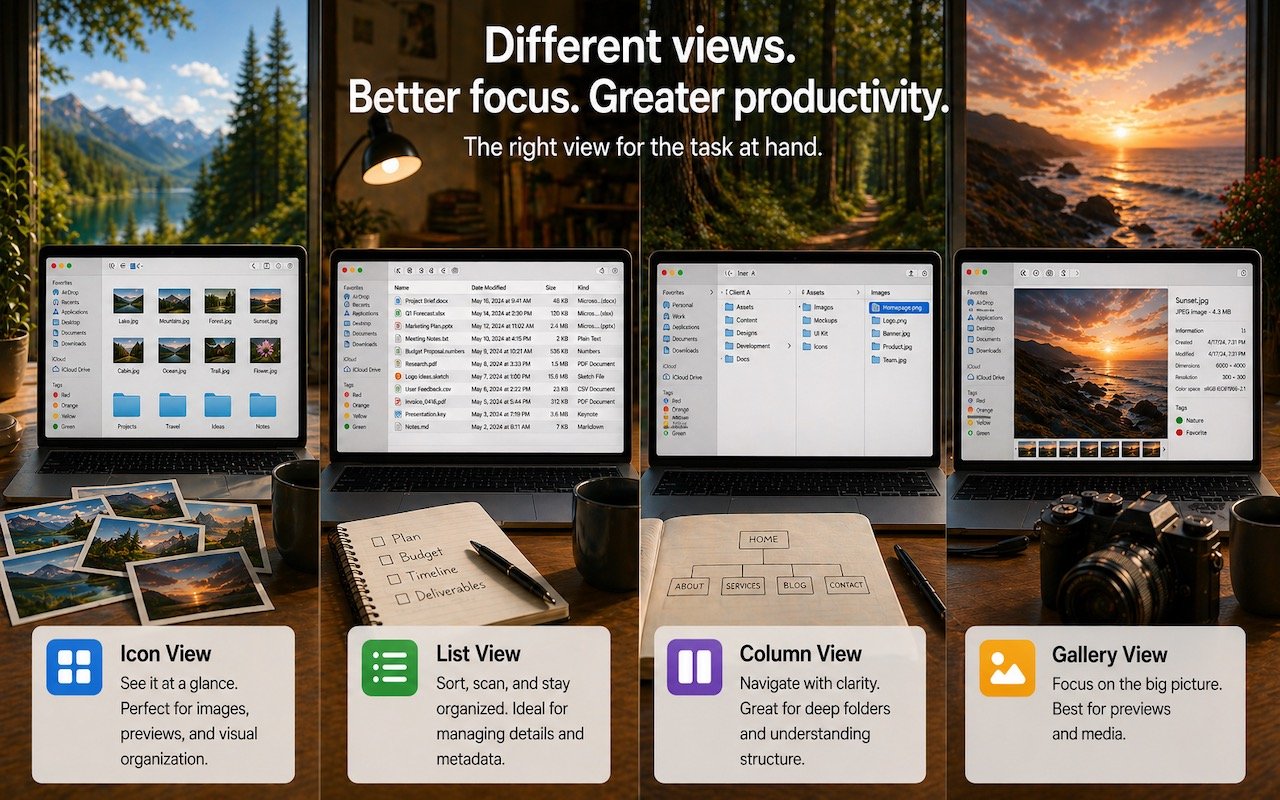
Get to Your Files Faster by Choosing the Best Finder View
If you can work comfortably with the Mac’s four Finder views, you’ll enjoy an easier experience when you try to get to your folders and files. Each view has its pros and cons, so using the best view for the job at hand will make you more productive. Here’s a look at the Icon, List, […]
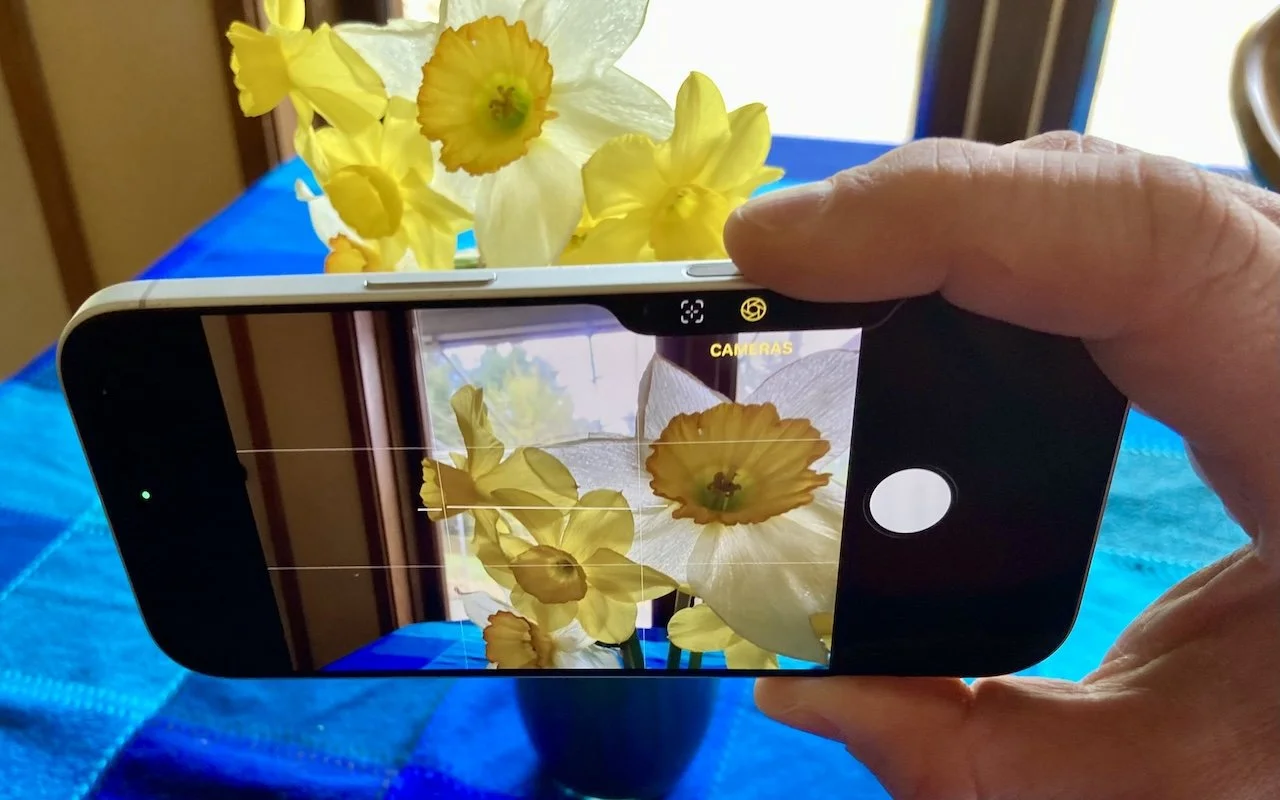
Customize the Camera Control on Your iPhone
The Camera Control on iPhone 16 and later models lets you open the Camera app and take a photo with the press of a button. But it’s more than just a simple button—it features a touch-sensitive surface that lets you adjust a variety of settings without having to tap the screen. To access the controls, […]