Rocket Blog
Top Highlights


Category
- 1Password 1
- AI 3
- Advanced 2
- AirPods 1
- App Store 1
- Apple Intelligence 1
- Apple News 5
- Apple Pros 16
- Apple Watch Series 12 1
- Apple Watch Ultra 4 1
- AppleScript 1
- Article 12
- Artificial Intelligence 4
- Business 2
- Calendar 1
- Camera Control 1
- Camera app 1
- Control Center 1
- Explainer 2
- Finder 1
- Hardware 1
- How-To 6
- Image Playground 1
- Internet 1
- Liquid Glass 1
- M5 Max 1
- M5 Pro 1
- M5 Ultra 1
- M6 1
- Mac 7
- Mac Studio 1
- Mac mini 1
- News 4
- Office 1
- PDF 1
- Photos 1
- Reminders 1
- Safari 1
- Security 17
- Shortcuts 1
- Siri 1
- Software 7
- Tip 4
- Tips & Tricks 42
- WWDC 1
- Windows 1
- customization 4
- hardware 2
- iMessage 1
- iOS 1


Customize the Camera Control on Your iPhone
The Camera Control on iPhone 16 and later models lets you open the Camera app and take a photo with the press of a button. But it’s more than just a simple button—it features a touch-sensitive surface that lets you adjust a variety of settings without having to tap the screen. To access the controls, […]
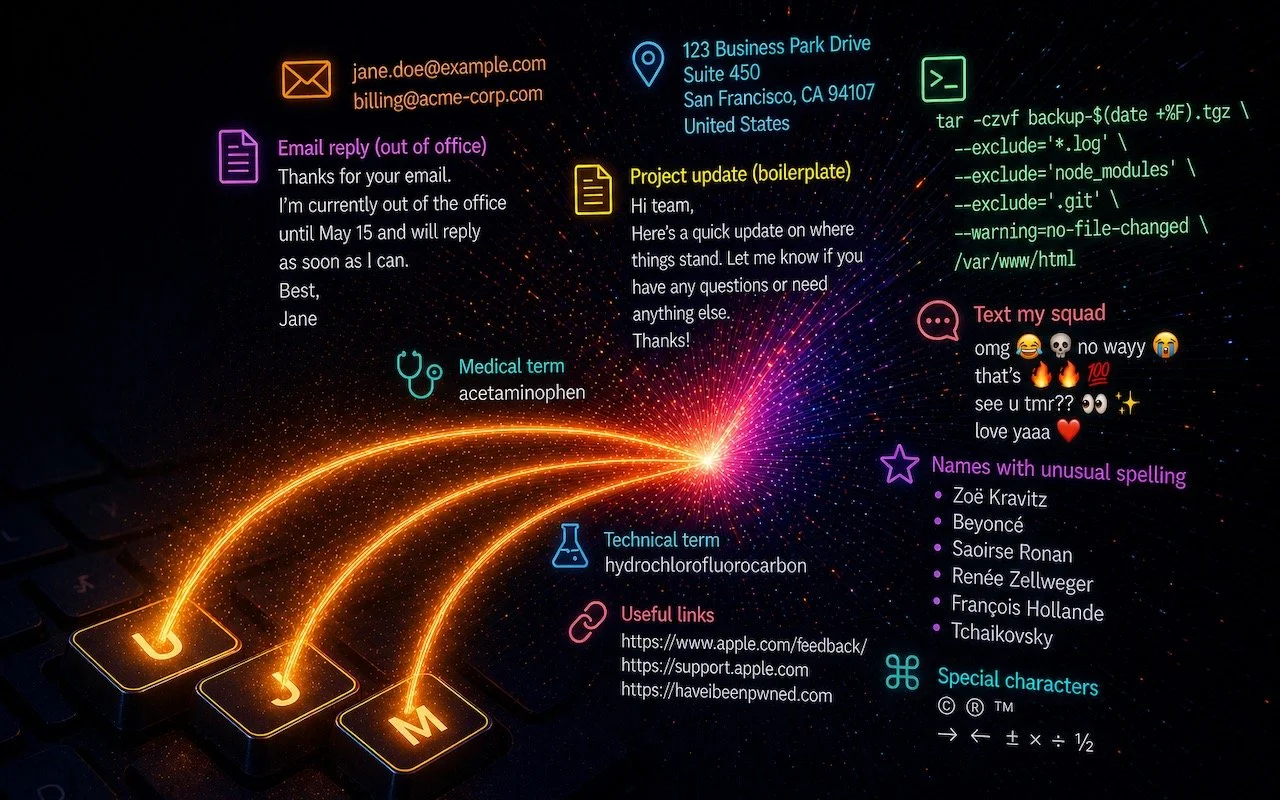
Speed Up Mac and iOS Typing with Text Expansion
Silicon Valley thinks everyone wants to delegate writing to AI, which is why Apple Intelligence constantly suggests replies for you in Messages and Mail. But there’s an excellent way to supercharge your typing speed without sounding like a chirpy chatbot or resorting to teenage texting abbreviations: text expansion. Text expansion speeds up typing words or […]



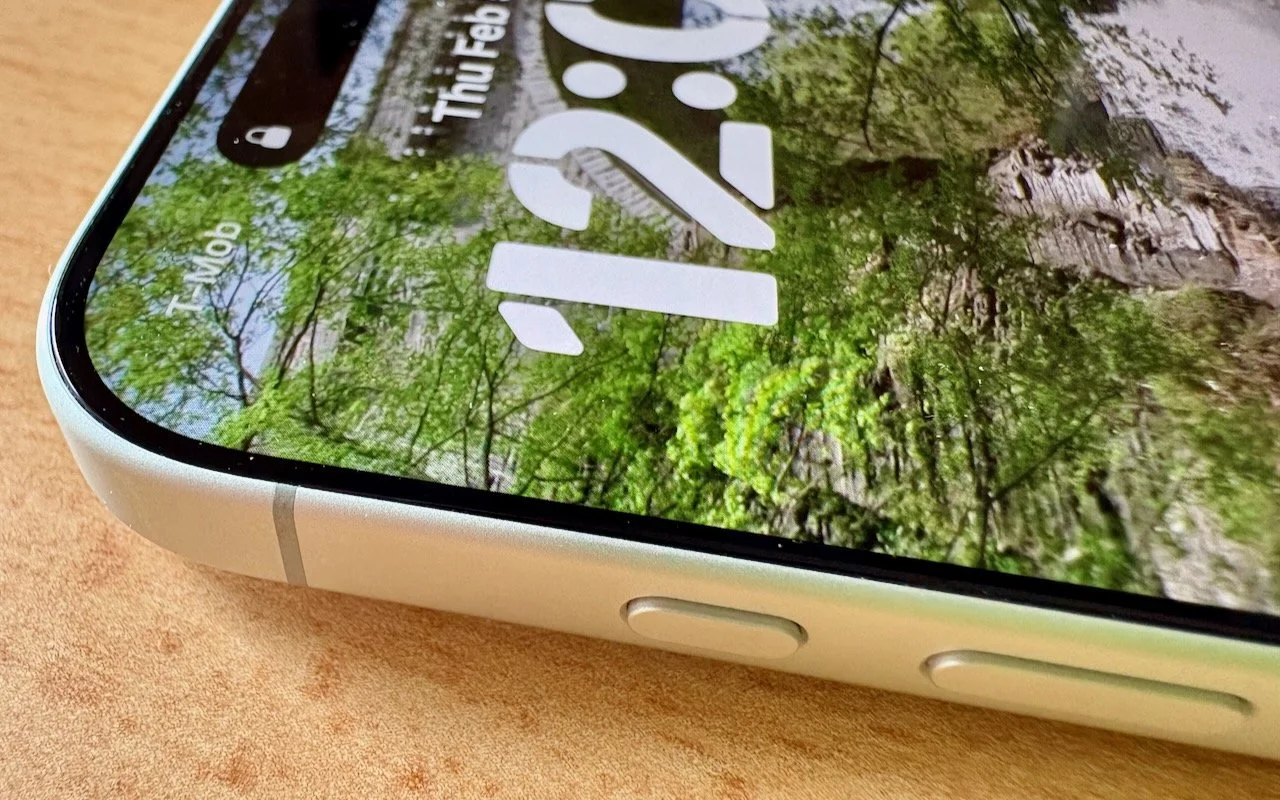
What Can You Do With the iPhone’s Action Button? Nearly Anything!
Your iPhone’s Action button can do much more than toggle Silent Mode. Try it for quick translations or voice memos—or explore the many options in Controls and Shortcuts to trigger nearly any action with a long press.

How to Ensure You Don’t Miss Reminders
Apple’s Reminders app offers more than simple notifications—from location-based alerts to the new alarm feature in iOS 26.2, here’s how to make sure you never miss an important task.

Five Invisible Characters That Still Matter in Word Processing and Layout
Spaces, tabs, and returns seem simple—but using the wrong invisible character can wreck your document’s layout. Learn when to use non-breaking spaces, tabs, and soft returns to create cleaner, more professional documents.

Why Your Windows Reopen (Or Don’t) As You Expect
Frustrated when your Mac apps don’t remember their windows—or when they stubbornly reopen old documents? Two little-discussed settings control this behavior. Here’s how Apple’s Resume technology really works.

Control Song Transitions in Apple Music
Apple’s new DJ‑style AutoMix transitions between songs in the Music app aren’t to everyone’s taste (and sometimes flub the jump). Here’s how to switch back to a timed Crossfade or disable transitions in Music on your iPhone, iPad, and Mac.
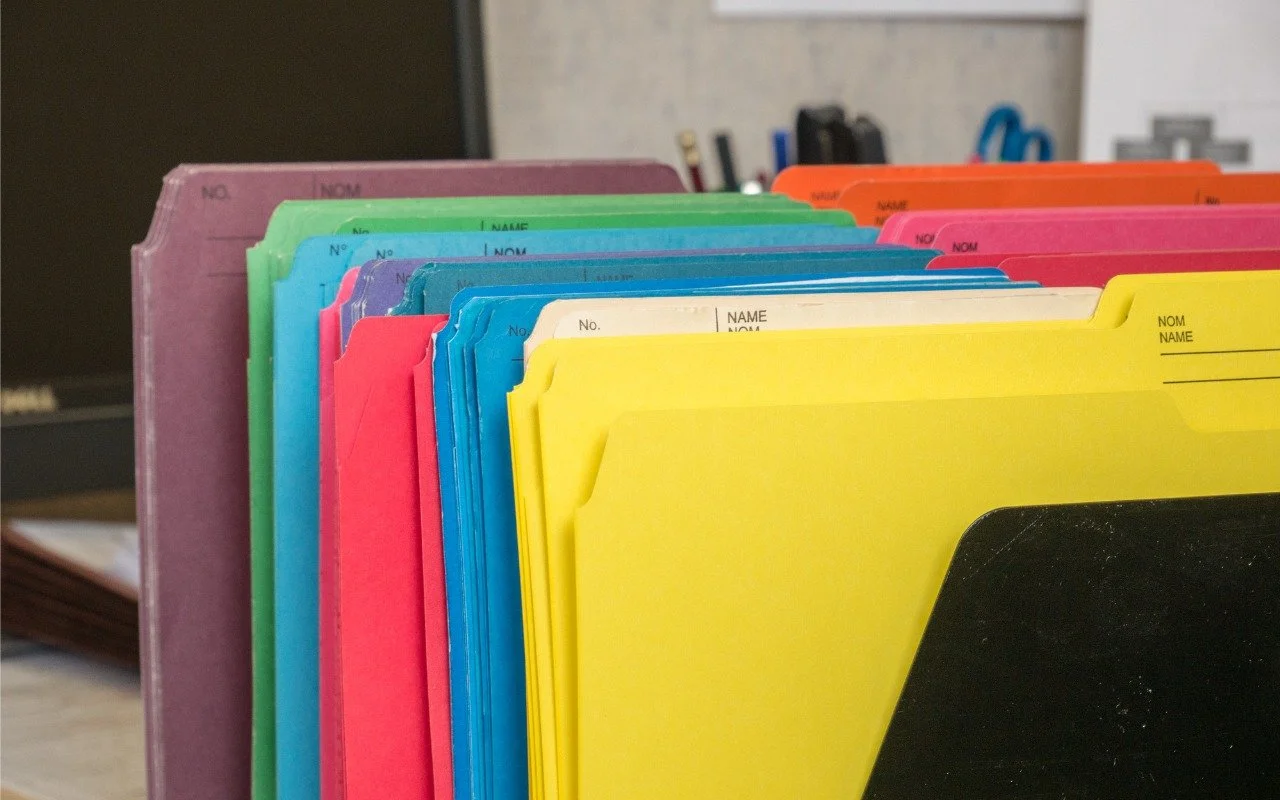
Customize Folder Colors and Icons in macOS 26 Tahoe
Tired of identical blue folders? macOS 26 Tahoe lets you add colors and icons—including emoji—to folders with a few clicks. Here’s how to make your Finder easier to navigate.